Core Web Vitals for Business Owners: What Matters and What Doesn’t
Core Web Vitals for Business Owners: What Matters and What Doesn’t
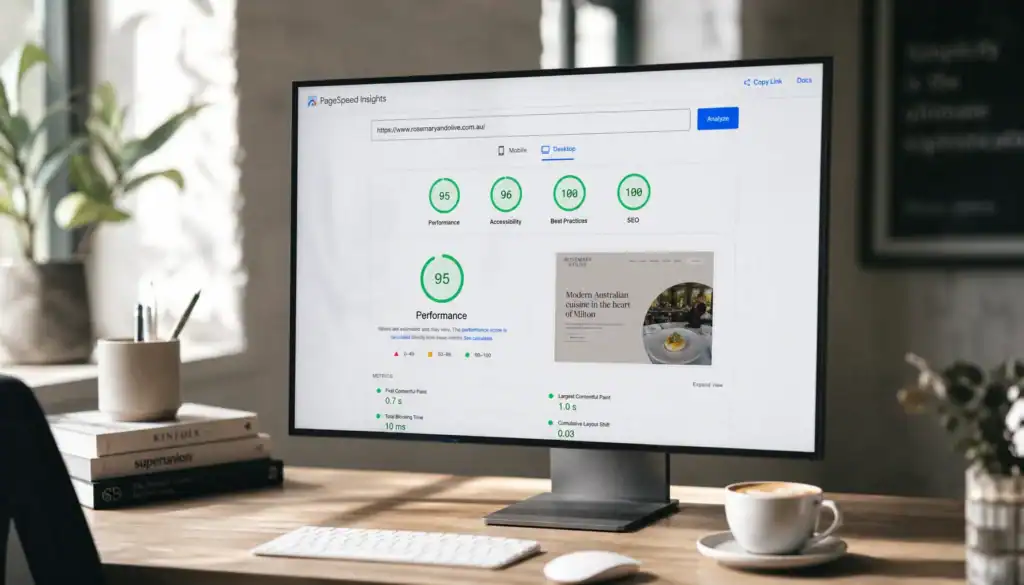
Core Web Vitals are one of those topics that can become oddly dramatic very quickly.
Developers start talking about thresholds. Marketers start talking about rankings. Business owners hear a lot of jargon and end up wondering whether they need to panic, optimise everything, or ignore it all and hope for the best.
The sensible answer is somewhere in the middle.
Core Web Vitals matter because they reflect whether a website feels fast, stable, and responsive enough for real people to use comfortably. But they are not the only thing that matters, and they are definitely not a reason to chase a perfect score at the expense of the business outcome.
If your website is already losing leads because it feels slow or clumsy, a broader fix may be needed too. A related article on why websites lose leads explains how performance, clarity, trust, and follow-up can all stack together.
What Core Web Vitals actually measure
Google’s current guidance groups Core Web Vitals around three user-experience signals:
- LCP — Largest Contentful Paint, which is about loading performance
- INP — Interaction to Next Paint, which is about responsiveness when a user clicks, taps, or types
- CLS — Cumulative Layout Shift, which is about visual stability
In plain English, the question is simple: does the page load quickly enough, respond properly, and avoid jumping around while someone tries to read or act?
Google’s Core Web Vitals documentation and page experience guidance both make the same basic point: these signals exist to improve user experience, not to create another dashboard to obsess over for its own sake.
What matters most for business owners
For a business owner, the useful question is not “What is my score?”
The better question is, “Does the page feel easy enough to use that a potential customer stays long enough to understand the offer?”
That matters most on pages that are supposed to do a job:
- homepages
- service pages
- location pages
- quote or booking pages
- contact forms
If those pages are slow or jumpy on mobile, the business can lose trust before the person even reaches the call to action.
Google’s guidance on page experience is especially useful because it keeps the conversation grounded in actual usability rather than abstract perfection.

What doesn’t matter as much as people think
There are a few traps worth avoiding.
1. Chasing a perfect score
A perfect lab score is nice, but it is not the business goal. The goal is a website that works well enough for users to enquire, book, call, or buy.
2. Treating one number as the whole story
No single metric can tell you whether the site is commercially effective. A page can score well and still be confusing, weakly written, or bad at converting.
3. Ignoring the page context
The homepage, a detailed service page, and a blog article do not have the same job. You should care about performance everywhere, but not every page has the same conversion pressure.
4. Obsessing over the lab before the business outcome
Testing tools are useful, but they should support decisions, not replace them.
Core Web Vitals are a useful signal, but the real test is whether the page helps the visitor move forward.
What usually improves Core Web Vitals fastest
Most business sites do not need exotic engineering to get better. They need the basics cleaned up.
- use properly sized hero and feature images
- compress media before upload
- avoid loading too many scripts at once
- reserve space for images, embeds, and buttons so the layout does not jump
- simplify the above-the-fold section so the page explains itself quickly
- trim plugin and widget bloat where possible
- test the site on a real phone, not only on a desktop in a high-speed office network
Those fixes are not glamorous, but they are often the ones that matter most.
They also overlap heavily with good design work. A well-built site from the start is usually easier to optimise than a site that was assembled like a junk drawer and then asked to be fast.
How to read the results commercially
Business owners should never look at Core Web Vitals in isolation.
Pair the technical signal with commercial signals such as:
- contact form submissions
- clicks to call
- clicks to service pages
- scroll depth on important pages
- Search Console impressions and clicks
- conversion rate from organic traffic
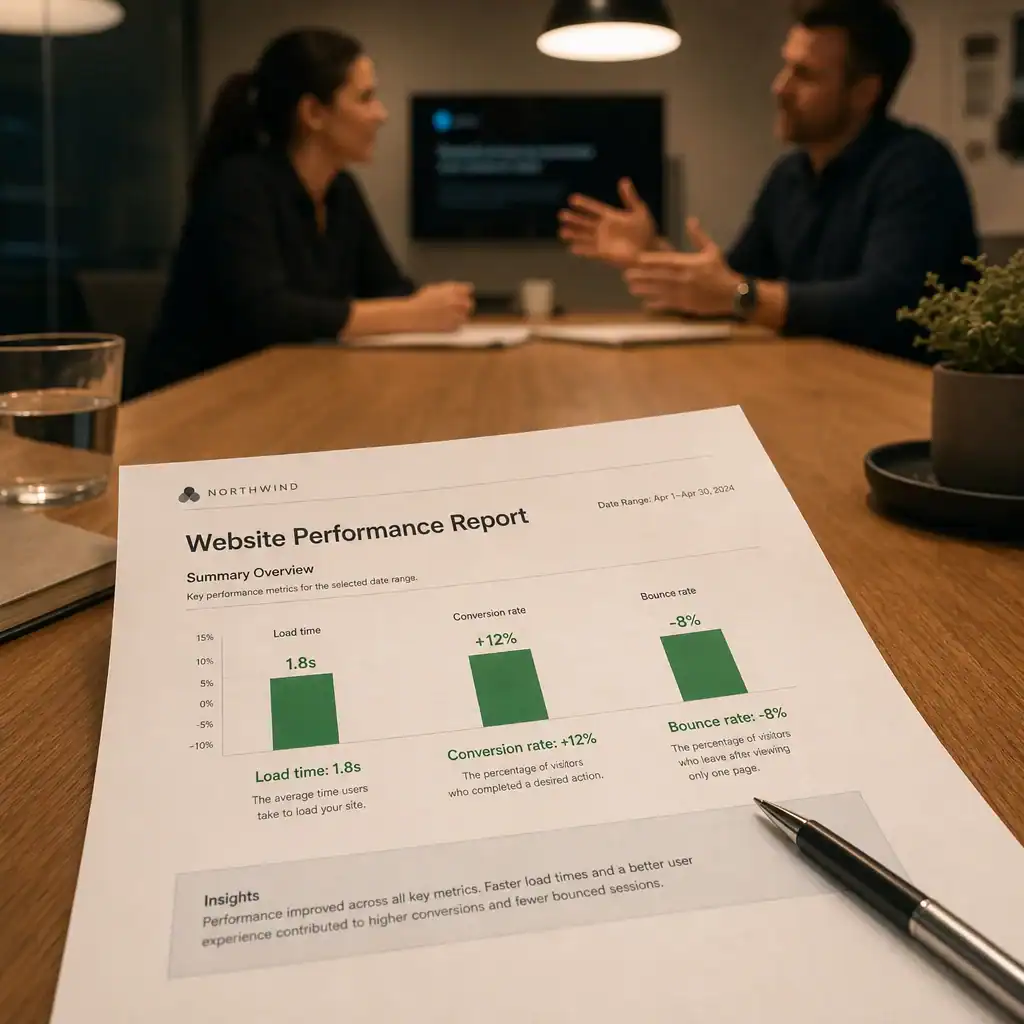
If performance improves but enquiries do not, the site may still have a messaging or conversion problem. If enquiries improve after simplifying the page and tightening the UX, then the performance work is doing real business work, not just technical work.
That is why website performance belongs together with Website Optimization & Analytics and not as an isolated side project.
Common mistakes to avoid
The most common mistakes are usually some version of the following:
- fixing one metric while leaving the rest of the page messy
- installing a heavy plugin for every small task
- using oversized images because they look fine in the upload window
- adding animation and effects that slow the page without improving the offer
- forgetting to test the mobile experience after making changes
A site does not need to be stripped bare. It does need to be stable, readable, and easy to act on.
Why this matters beyond SEO
Core Web Vitals are sometimes talked about as if they are purely an SEO issue. They are not.
They are part of a broader trust and usability layer. A site that loads awkwardly, jumps around, or responds poorly makes the business feel harder to deal with. That affects enquiries whether or not anyone ever opens a ranking report.
For service businesses, that is the real commercial point. The website is not there to win style points. It is there to help the right person understand the service and take the next step.
Good performance helps that happen.
Want a website that feels faster, cleaner, and easier to convert?
If you want help improving your site’s performance, clarity, and conversion flow, talk to Effortless Web about Website Optimization & Analytics or get in touch.